

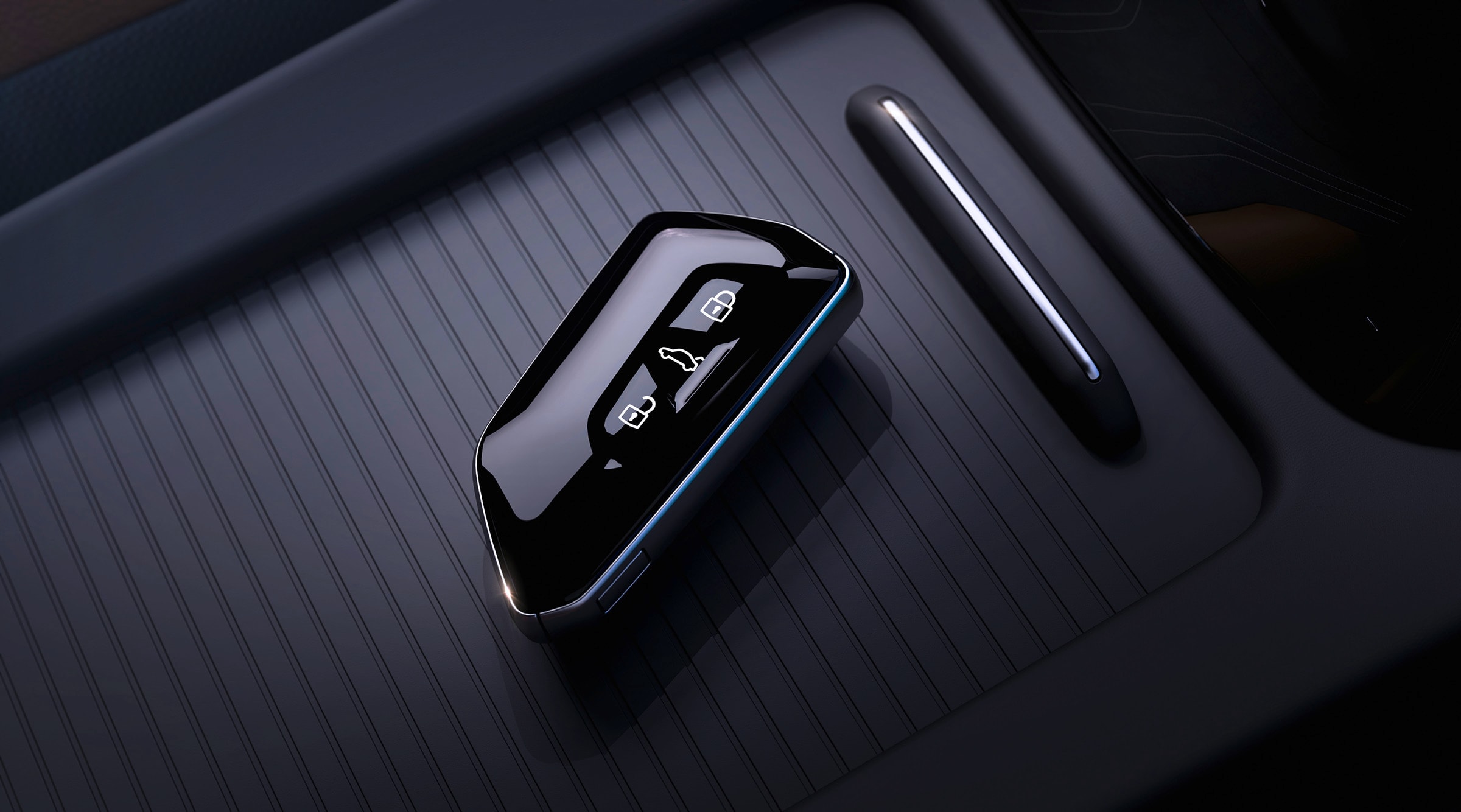
 Your Volkswagen key fob does more than lock and unlock your vehicle. Depending on your Volkswagen model and trim, it can provide convenient features that make everyday driving easier, from remotely opening your windows to finding your vehicle in a crowded parking lot.
At Northtown Volkswagen in Amherst, NY, we want you to get the most out of your vehicle. Here are some helpful Volkswagen key fob features and tips to try.
Locking and Unlocking Your Volkswagen
The lock and unlock buttons are the most frequently used functions on your key fob.
- Lock: Press the lock button to secure your vehicle. On equipped models, the exterior mirrors may fold when the vehicle locks.
- Unlock: Depending on your vehicle's settings, one press may unlock only the driver's door, while a second press unlocks the remaining doors.
- Security functions: Some Volkswagen models offer additional locking or security functions. The exact operation depends on the model and its equipment.
If your Volkswagen has selective unlocking enabled, you can change the unlocking behavior through the vehicle settings on compatible models.
Open Your Windows and Sunroof Remotely
Some Volkswagen vehicles offer a convenience-opening feature that allows you to open the windows and, on equipped models, the sunroof using the key fob.
To try it:
- Stand near your Volkswagen with the key fob.
- Press and hold the unlock button.
- If your vehicle supports this feature, the windows will begin to open.
- Release the button when the windows are at the desired position.
On compatible vehicles, you may also be able to close the windows and sunroof by pressing and holding the lock button after locking the vehicle.
This feature can be particularly useful during hot summer days in Buffalo and Western New York. Always make sure the windows and sunroof are clear of people and objects.
Use Keyless Access (KESSY)
If your Volkswagen is equipped with Keyless Access, you may not need to take your key fob out of your pocket or bag to lock or unlock the vehicle.
To unlock, place your hand behind the exterior door handle. To lock, touch the designated locking sensor on the handle while carrying the key fob.
The exact sensor location and operation vary by model. Some vehicles also offer additional proximity-based access features.
Open Your Trunk or Liftgate
Many Volkswagen key fobs include a dedicated trunk or liftgate button.
Depending on the model:
- Press or hold the button to release the trunk or liftgate.
- On equipped vehicles with a power liftgate, the button may open or close the hatch.
- Some vehicles require the liftgate to be closed using a separate button on the hatch itself.
If the button does not operate the liftgate, check your owner's manual for the correct procedure.
Use the Panic Button to Find Your Vehicle
Lost your Volkswagen in a crowded parking lot? The panic button can help you locate it.
On equipped key fobs, pressing and holding the panic button activates the horn and exterior lights. This can help you identify your vehicle among rows of parked cars.
Press the button again or follow your owner's manual instructions to stop the alarm.
Remote Start: Does Your Volkswagen Have It?
Some recent Volkswagen models offer remote-start capabilities through compatible vehicle equipment and connected services. Depending on the model, remote start may be available through the myVW app or a compatible factory key fob.
If your vehicle supports remote start, follow the instructions for your specific model. Do not assume that pressing the lock button twice will start every Volkswagen, because the procedure and availability vary.
What Happens If Your Key Fob Battery Dies?
A dead key fob battery does not necessarily mean you are locked out of your Volkswagen.
Many Volkswagen key fobs contain a hidden mechanical emergency key. You can release the physical key using the small release mechanism on the fob and use it to manually unlock the driver's door when necessary.
Once inside, vehicles with push-button starting may have an emergency key-recognition procedure. Depending on the model, this may involve holding the key fob against a designated location near the steering column or start button.
The exact backup-start procedure varies, so check your owner's manual before you need it.
A Few Key Fob Tips
- Keep your key fob away from moisture and extreme heat.
- Replace the battery when the remote range decreases or the vehicle becomes less responsive.
- Avoid leaving your key fob near the vehicle for extended periods if you are concerned about unauthorized access.
- Check your owner's manual for model-specific functions and settings.
Note: Volkswagen key fob features vary by model year, trim, equipment, and market. Some functions may require activation in the vehicle settings or an eligible connected-services plan.